
Give the episode one clear job
Choose the question your episode should answer. For an interview, write the ideas you want the guest to explain and the examples that might make those ideas concrete. For a solo episode, separate the main point from background details. Put your most important material in a clear order. A recording outline is not a demand to follow every word; it is a reference when the conversation starts to wander.
Plan an opening that gives a new listener enough context. Introduce the guest accurately and explain why the topic matters without making a broad claim about results. Then decide how you will close. A specific final question can be more useful than an abrupt ending or another long introduction. Keep optional tangents visible but separate so they do not compete with the essential conversation when time becomes a consideration.
Practice transitions, not every answer
Read the opening aloud and try the links between topics. If a sentence feels awkward in speech, simplify it. Ask the guest for examples but avoid requiring memorized answers. Natural conversation often needs follow-up questions that are not on the page. Preparation should help you listen, not make you focus on reaching the next line while the guest says something worth exploring.
Send the guest a useful brief
Share the subject, intended audience and recording format. Confirm the guest’s name and introduction, then explain any topics that need care. If they plan to bring a product or demonstrate a process, tell the studio beforehand. A visual prop affects framing and space in ways an ordinary voice-led answer may not. Keep the brief short enough that the guest can actually use it.
Give the guest the exact studio address and confirm the session details. Amplify is at 3030 N. Central Ave Suite 816, Phoenix, AZ 85012. Check current travel conditions from each starting point, and ask the team about parking, building access and check-in instructions. Do not assume that a broad travel estimate or a nearby address guarantees a particular arrival time. No specific early-arrival allowance or free parking benefit is promised by this guide.
Confirm the production before choosing extras
Decide whether the episode needs audio, video or a separately planned live format. Amplify’s audio-only recording starts at $75/hr, with editing and mastering extra. Video podcast sessions start at $250/hr. Share the participant count and your intended outputs so the team can discuss microphone, camera and set needs. A booking choice should follow the brief rather than substitute for one.
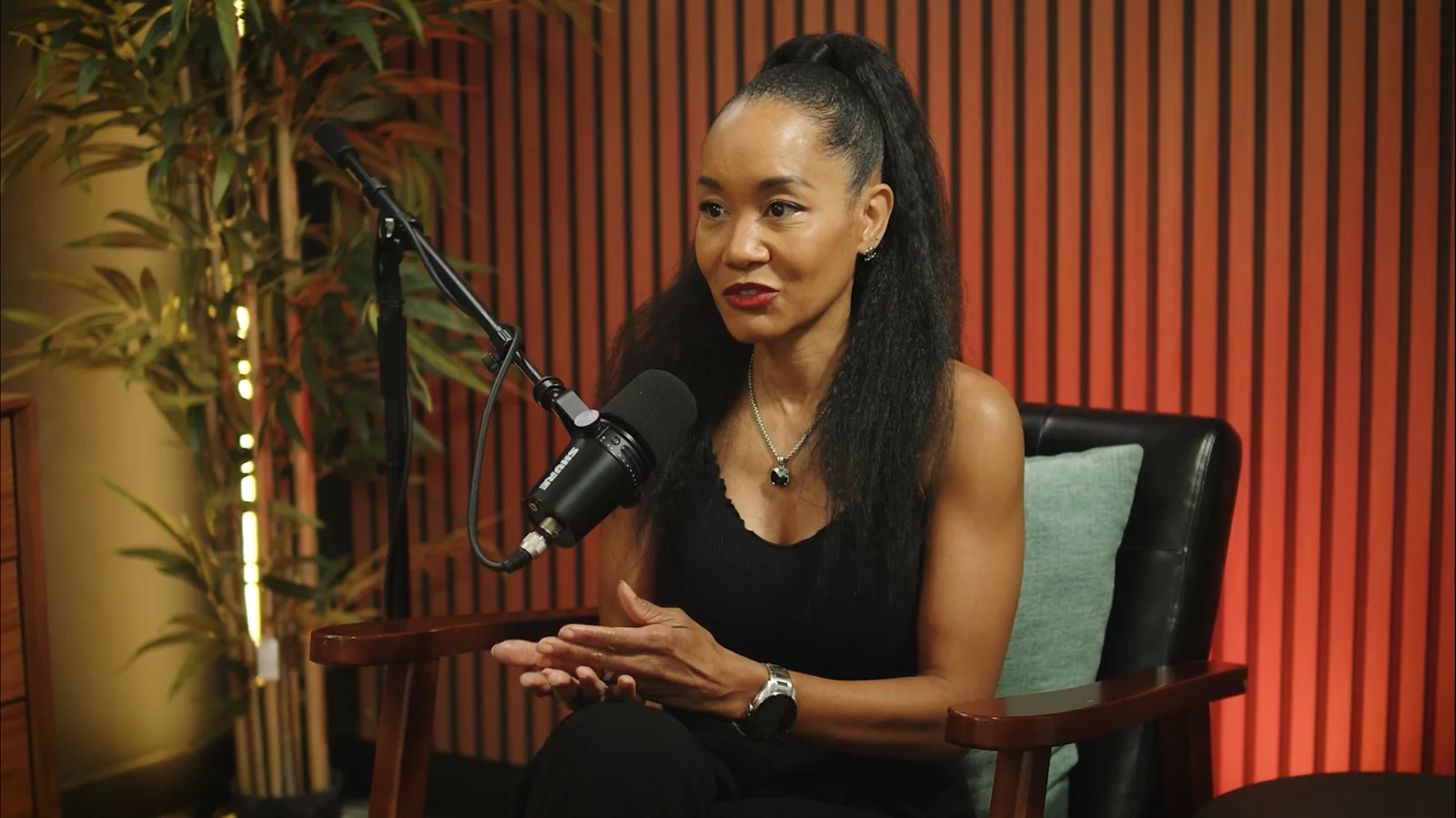
The studio has Shure MV7 microphones, Blackmagic Studio Pro cameras, video panel lighting and soundproof rooms. The cinematic main set and six vignette sets give you options to discuss. If the visual identity matters, bring references and coordinate furniture choices before recording. A gallery shows possible looks; it does not mean unlimited changes or every kind of coverage is included in your hour.
Keep your notes and materials simple
Bring an outline you can read easily, approved guest details and any assets discussed with the team. For video, think about how you will handle papers, a drink or a demonstration item in the planned frame. Ask the team for positioning guidance. If you need a teleprompter or a third camera, discuss that in advance. Do not make an important production choice only after everyone is seated.
Use the microphone without losing the guest
Let the team guide the microphone setup. Once it is arranged, avoid repeatedly changing your distance while speaking. Listen to the other person and leave room for an answer rather than filling every pause. If you lose your place, return to the question you are trying to answer. Clear speech and attentive hosting support the recording, even when the room and equipment are ready.
For video, stay engaged with the conversation rather than forcing yourself to look at a camera continuously. If a product needs to be shown, follow the agreed demonstration plan. Tell the team if something changes during the session so the production can be discussed. Do not assume an edit can fix every problem, especially when an essential explanation was never captured clearly in the first place.
Know what you want after recording
Agree on the final outputs before the session. Audio-only editing and mastering are separate at Amplify; video editing and short-form clips need their own scope. Supply notes about sections that must stay or go, and discuss any licensed intro or other material you want included. Ask how the files will be handed over and what format you need for the publishing plan.
Edited podcast turnaround is up to 72 hours, with deliverables and timing confirmed by the team. After the recording, review the agreed material and plan the title, description and release rather than assuming studio time covers every launch task. Explore the recording service pages, pricing and booking page when you are ready. A prepared first session does not guarantee a perfect show, but it gives the conversation a clear starting point.