
Confirm the account before planning the broadcast
Platform eligibility and account requirements apply. Check the current tools available to your seller or creator account before booking a live production. A studio session does not unlock an unavailable feature, waive a requirement or guarantee approval. Keep account access and product information tied to the platform’s current instructions rather than relying on an old guide or assuming a recorded video and a live shopping event use the same setup.
Tell the production team what your account can currently do and which format you intend to use. Coordinate necessary access through approved methods and keep passwords private. Clarify who will handle account settings, product references and audience questions. These responsibilities should be understood before the day. A professional-looking room cannot compensate for an unclear platform setup or a host who does not know which items are being discussed.
Keep seller details authoritative
Prepare accurate product information and current listing references. The seller should know the features, available options and terms they intend to discuss. Do not invent discounts, stock levels or delivery promises for the broadcast. If a detail changes, update the brief before going live. Production should make the product easier to understand, not create statements the seller cannot support when a viewer asks a follow-up question.
Build the show around the demonstration
Choose the question each segment answers. What does the item do? Which detail is difficult to judge from a listing? What would someone need to see before deciding whether it fits their needs? Put the demonstration near the center of the plan. A long introduction or repeated pitch can leave the useful information too far from the start, even if the host sounds confident.
List the items in presentation order and rehearse picking them up, using them and putting them down. Identify details that need a closer camera view, and explain those moments to the team. Small markings, controls or material finishes may be hard to inspect in a wide shot. The goal is not to make every second visually busy. It is to give viewers a clear view of the relevant detail at the right moment.
Give the host information they can use
A host needs more than product names. Prepare verified features, common questions and the limits of what can be claimed. If a seller joins the conversation, decide who explains the product and who keeps the show moving. Talent and live hosting support are available through Amplify’s live shopping work, but the exact responsibilities need agreement. Do not assume hiring production automatically supplies every role a live event may need.
Write a simple running order with an opening, demonstrations, space for questions and a close. Make transitions clear so the host is not searching for the next item while viewers wait. Consider how to bring a question back to the current product without ignoring the person who asked it. These are planning choices, not a guaranteed recipe for sales or a claim about what any particular audience will do.
Assign audience questions separately
Decide who watches questions and how they reach the host. A person demonstrating an item may not also be able to follow every message carefully. Discuss moderation responsibilities and platform access with the team. Keep answers accurate and within the seller’s knowledge. When a question cannot be answered confidently, note the limitation rather than improvising a promise merely to keep the broadcast moving.
Scope the Phoenix studio production
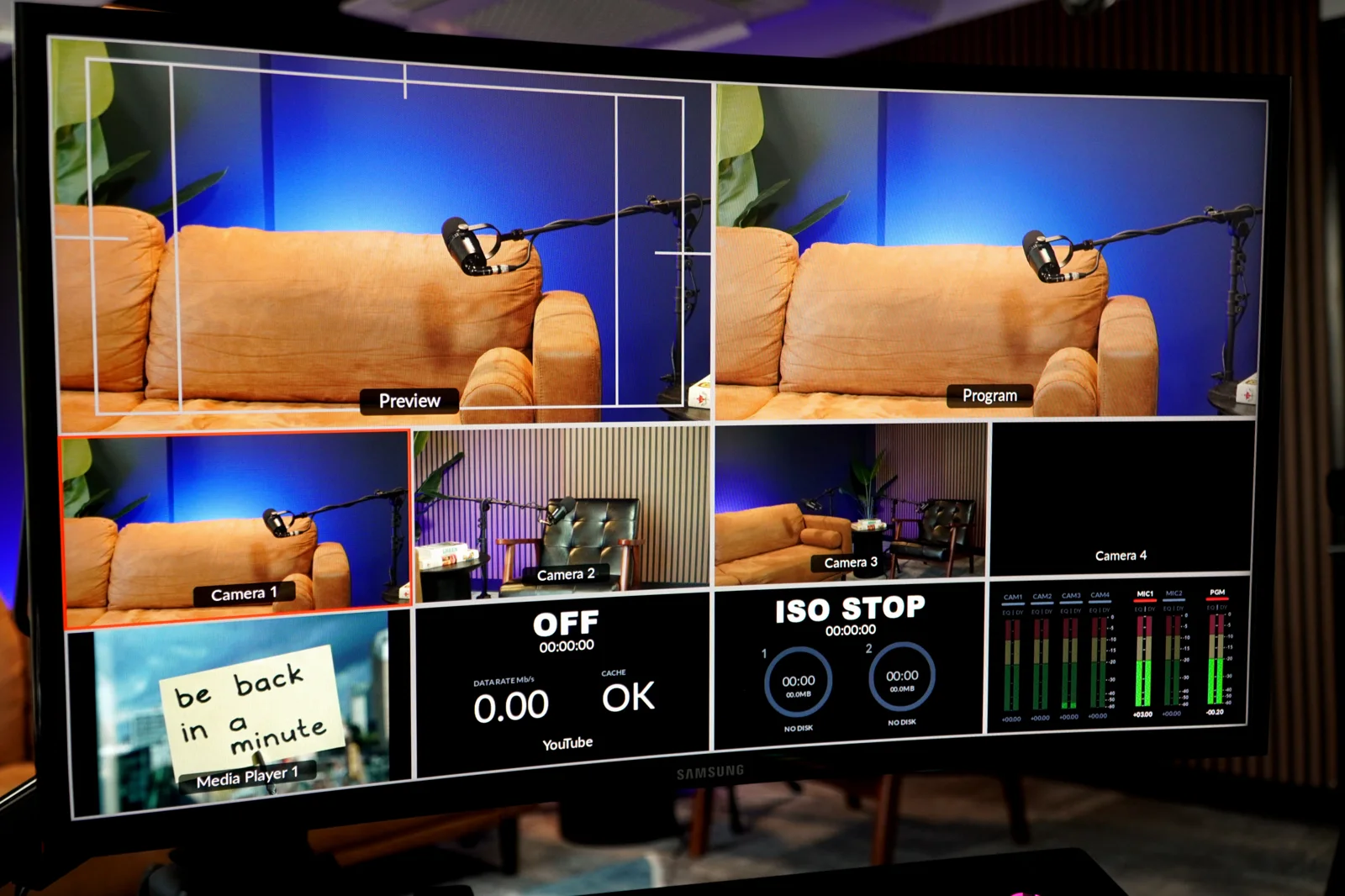
Amplify is at 3030 N. Central Ave Suite 816, Phoenix, AZ 85012 and has Blackmagic Studio Pro cameras, Shure MV7 microphones, video panel lighting and live camera switchers. The cinematic main set and six vignette sets provide looks to discuss. Send the product list and demonstration plan so the camera coverage follows the subject. A product-focused stream is not necessarily the same brief as a video podcast interview.
Live shopping production is scoped separately; this guide does not assign the audio or video podcast hourly rate to a TikTok Shop broadcast. Ask about coverage, hosting, the platform setup and any recorded outputs before booking. If you want an edited version or short-form clips afterward, discuss those deliverables as additional scope. Their usefulness depends on the content and your plan, not simply on whether the live event was recorded.
Run through the show before going live
Review the item order, the host’s notes and the moments that need a camera change. Confirm who handles questions and what happens if a detail needs clarification. Check the production and platform setup before the broadcast rather than discovering assumptions with the audience watching. The rehearsal is a chance to make the explanation clearer, not to pretend every part of a live conversation can be scripted.
Book a studio tour if you want to inspect the room with your product brief in mind. Explore live shopping and livestream production, then contact the team about scope and scheduling. Amplify can help plan the show; TikTok controls access and the seller remains responsible for accurate product information. Sales, reach and audience size are not included promises. Build a broadcast viewers can understand before judging it by outcomes production cannot guarantee.