
Choose the promise of the show first
Before deciding on cameras, describe the episode in one sentence. Who is it for, and what will that person get from listening or watching? An interview about a decision might work in either format. A product demonstration may need pictures. A reflective solo story may not. When the purpose is clear, the recording choice becomes more concrete than a general debate about which medium is “better.”
Think about the listener who has never met you. Can they follow the subject without seeing the room? Would a facial reaction add something meaningful? Is the guest going to point to an object or describe a visual process? Write those moments into the brief. Do not assume every conversation needs multiple visual angles, and do not assume voice alone can explain something the audience genuinely needs to inspect.
Audio is a deliberate choice
An audio podcast gives you a useful constraint: the explanation must carry the story. Describe an unfamiliar object, identify who is speaking and avoid referring to something only people in the room can see. That discipline can make an episode easier to follow. Audio is not a lesser version of video; it is a format with its own strengths and responsibilities for the host.
When audio may fit your first episode
Audio can suit interviews, expert explanations and personal stories when the value is in what is said. A host can focus on asking a useful follow-up instead of also thinking about their on-camera delivery. That does not mean audio requires no preparation. A scattered conversation is still scattered without pictures. Plan the opening, the essential questions and the conclusion before you arrive at the microphone.
At Amplify, audio-only recording starts at $75/hr, with editing and mastering extra. Soundproof rooms and Shure MV7 microphones support the recording. Decide whether you need a source recording or an agreed edited episode afterward. The audio rate is not a substitute for discussing the final output. Ask about the editing scope rather than assuming the recording hour covers the entire production process.
When video adds useful context
Video may fit a show built around demonstrations, visible reactions or an interview that benefits from seeing the speakers together. A camera can make a physical detail understandable in a way that spoken description cannot. It also makes clothing, the set, body movement and framing part of the production. Choose those elements to support the subject rather than treating the room as the main event.
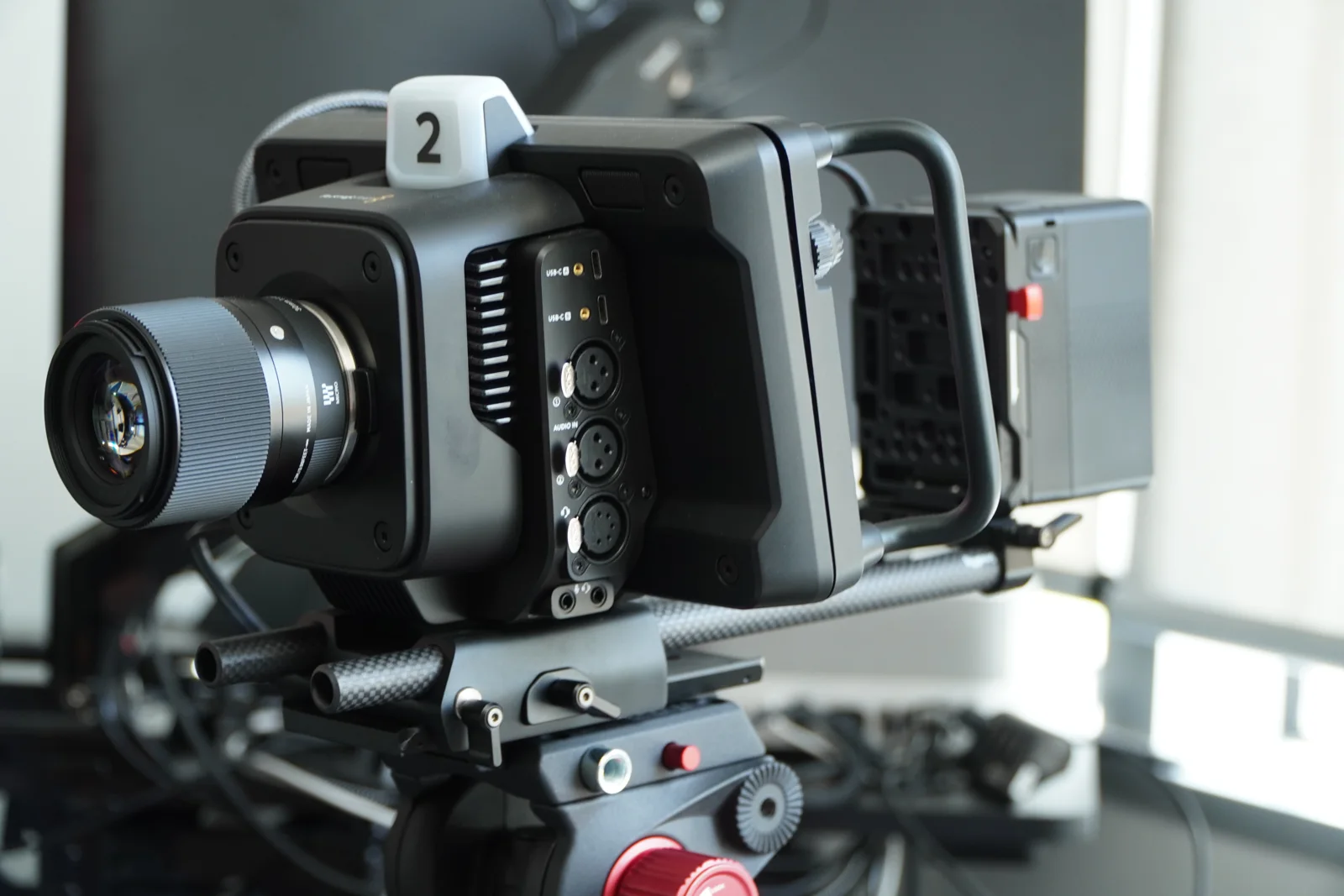
Amplify’s video podcast sessions start at $250/hr. Blackmagic Studio Pro cameras, Shure MV7 microphones, video panel lighting and set coordination are part of the production conversation. The studio has a cinematic main set with multiple furniture options and six vignette sets. Share the look and guest count you want before booking; equipment availability alone does not define your specific camera coverage or final deliverables.
Plan for the camera without performing at it
A good video conversation does not require staring into a lens for every answer. Ask the team how to position yourself and the guest, then keep the exchange natural. Avoid objects that interrupt the planned frame and explain any demonstration in advance. If you need scripted passages, discuss the teleprompter within the brief. Do not let technical choices replace listening to the person across from you.
Compare the work after recording
Both formats need a delivery plan. For audio, discuss editing, mixing and mastering. For video, agree on the requested edit and the files you need. Short-form clips are a separate add-on at Amplify, not an automatic output of every filmed conversation. Decide which moments should stand alone and which require the full episode’s context. More possible outputs do not mean every output should be produced immediately.
Think about your available time for reviewing and publishing the work. A format you cannot keep up with may become a stalled project even if the first recording looks polished. Begin with a manageable plan, then reconsider the format when you have a reason to change it. There is no need to claim that one format always grows faster or earns more; this decision should follow your subject and workflow.
Make the first recording a useful starting point
Bring a short outline, guest details and any visual references to the production discussion. Tell the team where the episode is intended to appear and what you want delivered. If you already have an audio show, explain what cameras would add rather than changing formats simply for novelty. If this is episode one, consulting can help narrow the concept before recording equipment becomes the main decision.
Visit Amplify at 3030 N. Central Ave Suite 816, Phoenix, AZ 85012 to see the studio on a booked tour. Compare the audio and video service pages and check the rates before choosing your session. You can start with voice, start with cameras or plan a later change. The point is to make the format serve a clear conversation, then agree on the production work needed to capture it.